Member Sites & Course Sections
A Member Site in Squarespace lets you create exclusive content areas on your website that only people with access can see. You can offer things like:
Courses
Digital guides or articles
Video libraries
Premium downloads
Community content
Access can be free or paid and locked with login credentials so only members can view the content.
Membership vs. Course Pages:
Membership and Course pages are similar, but memberships can host a variety of different content like video libraries, e-books, podcasts, blogs, etc. while course pages are use exclusively for teaching content.
Tlrd: You can have a course page inside your Members Area but your course page can’t be used as a members area of it’s own.
How to Access Your Members Site:
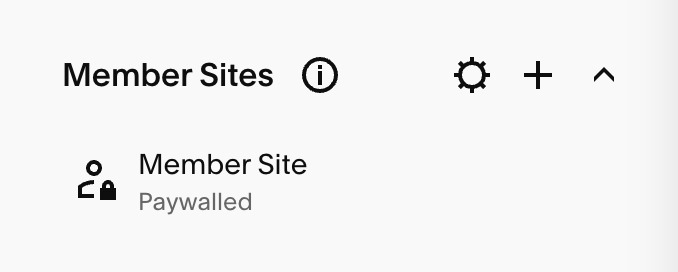
If your template came with a build in Members site, you can find it in your Pages panel under the ‘Member Sites’ section.
Creating Your Own Member Site:
Open your Pages panel.
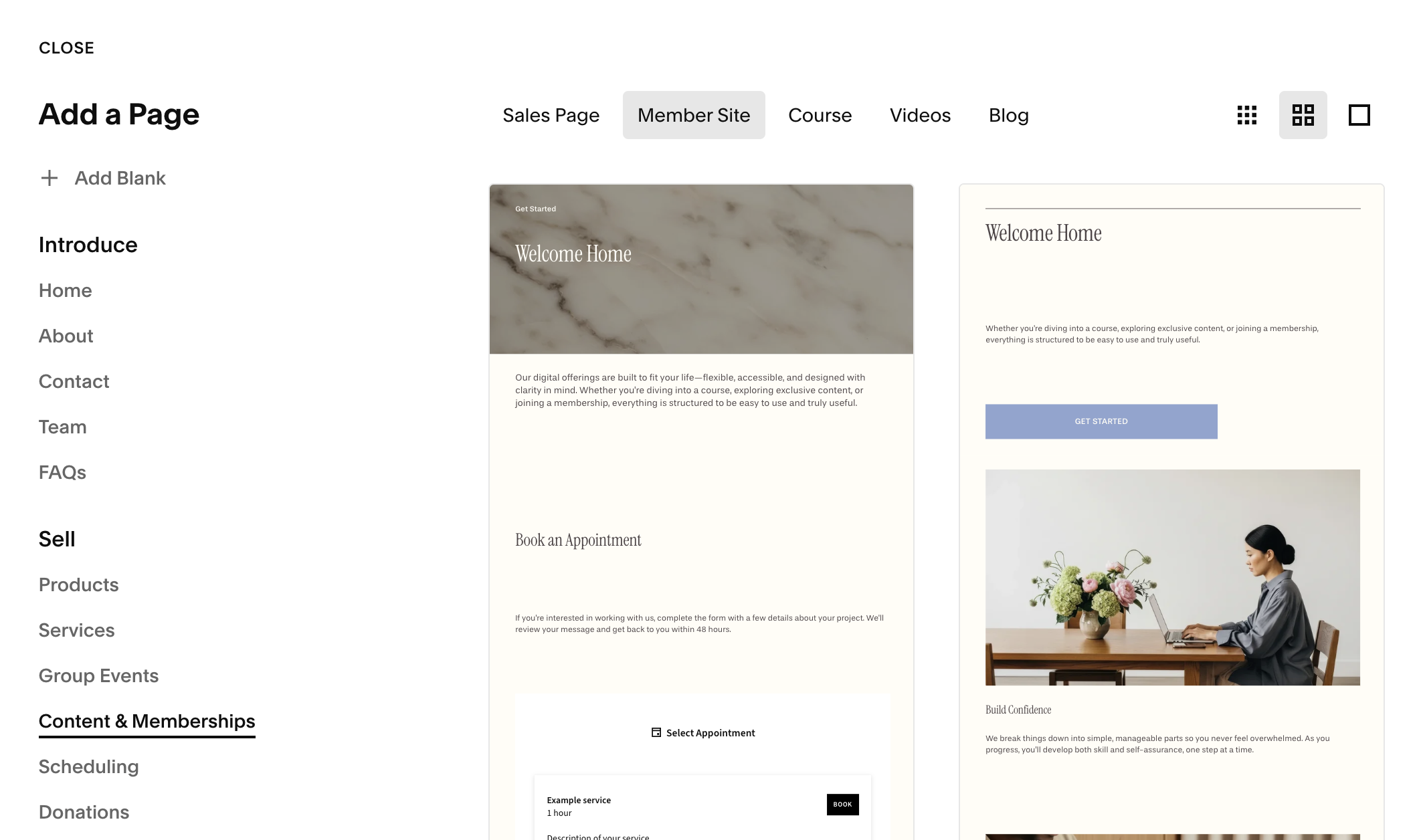
Click the + icon next to Not Linked.
Under the Sell section, choose Content & Membership > Member Site
Pick a homepage layout (you can customize this later) and name your Member Site.
This adds a new Member Sites section in your panel.
Adding Content to Your Member Site:
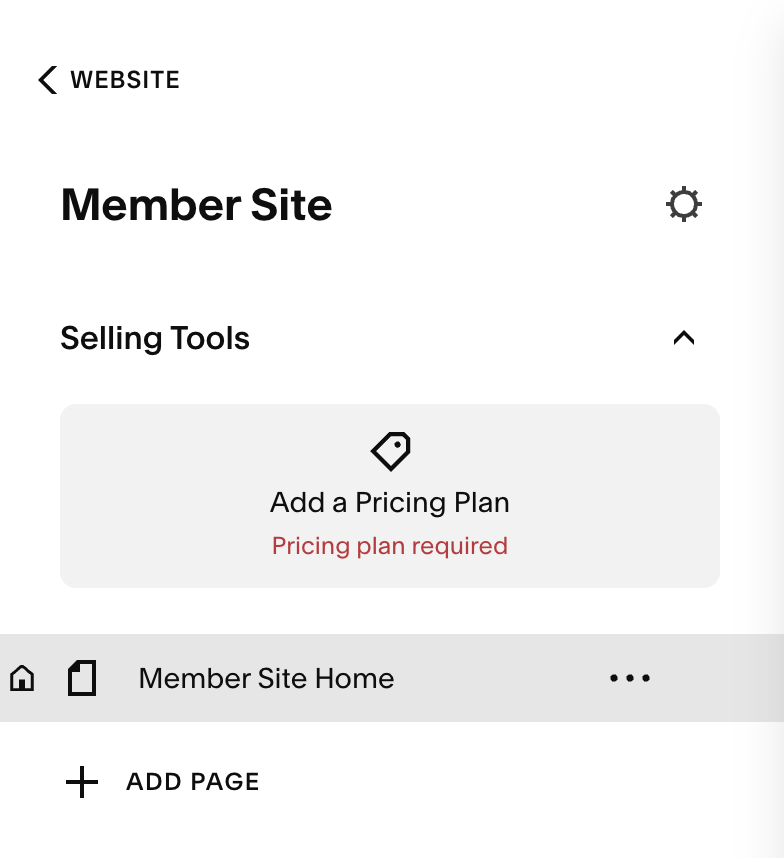
Once your Member Site is created, you can start adding your content!
You can:Add as many new pages as you like in this section.
Build and edit them just like any other page on your website.
Drag existing pages from your website into your members area.
Setting a Membership Homepage:
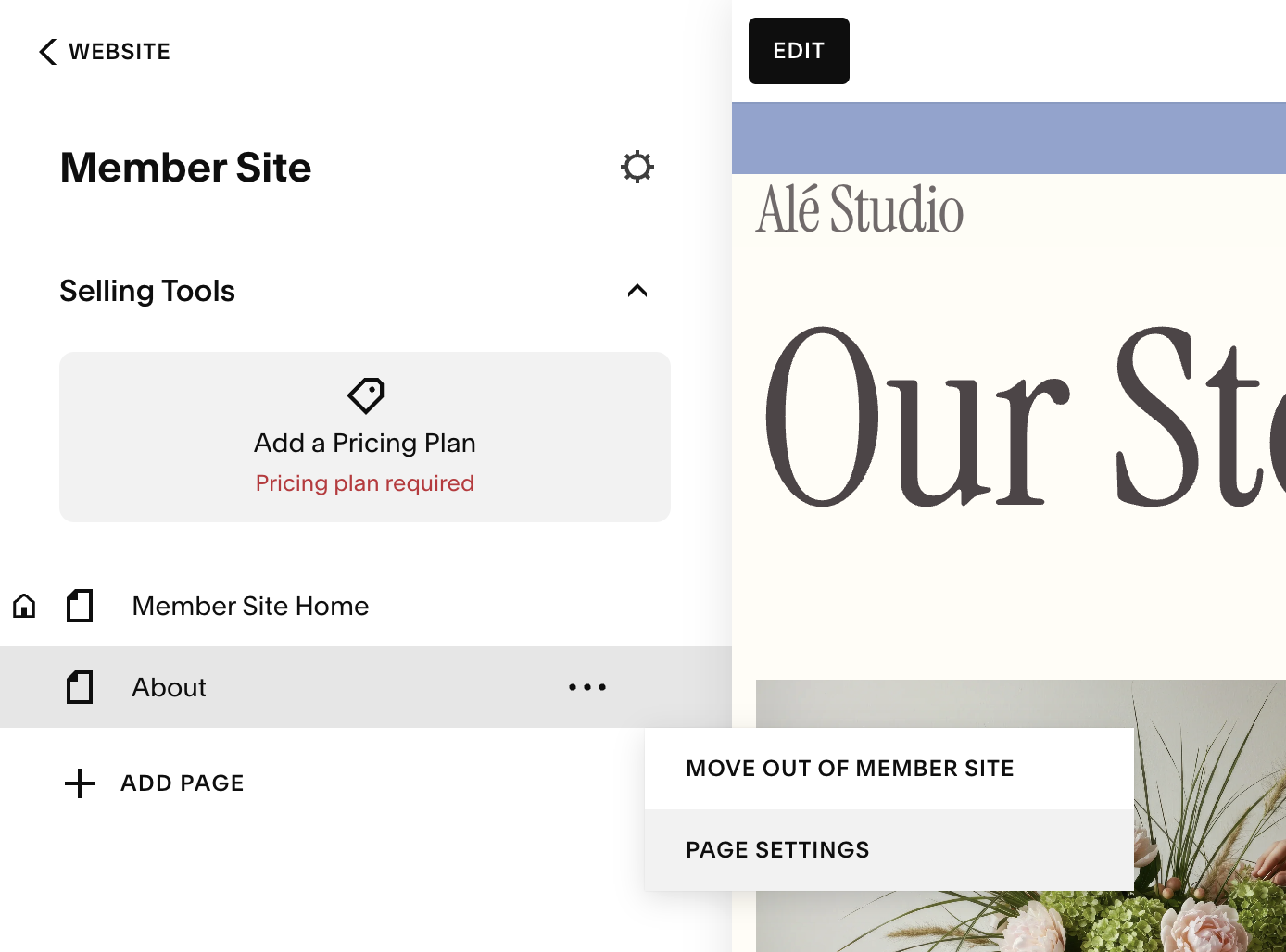
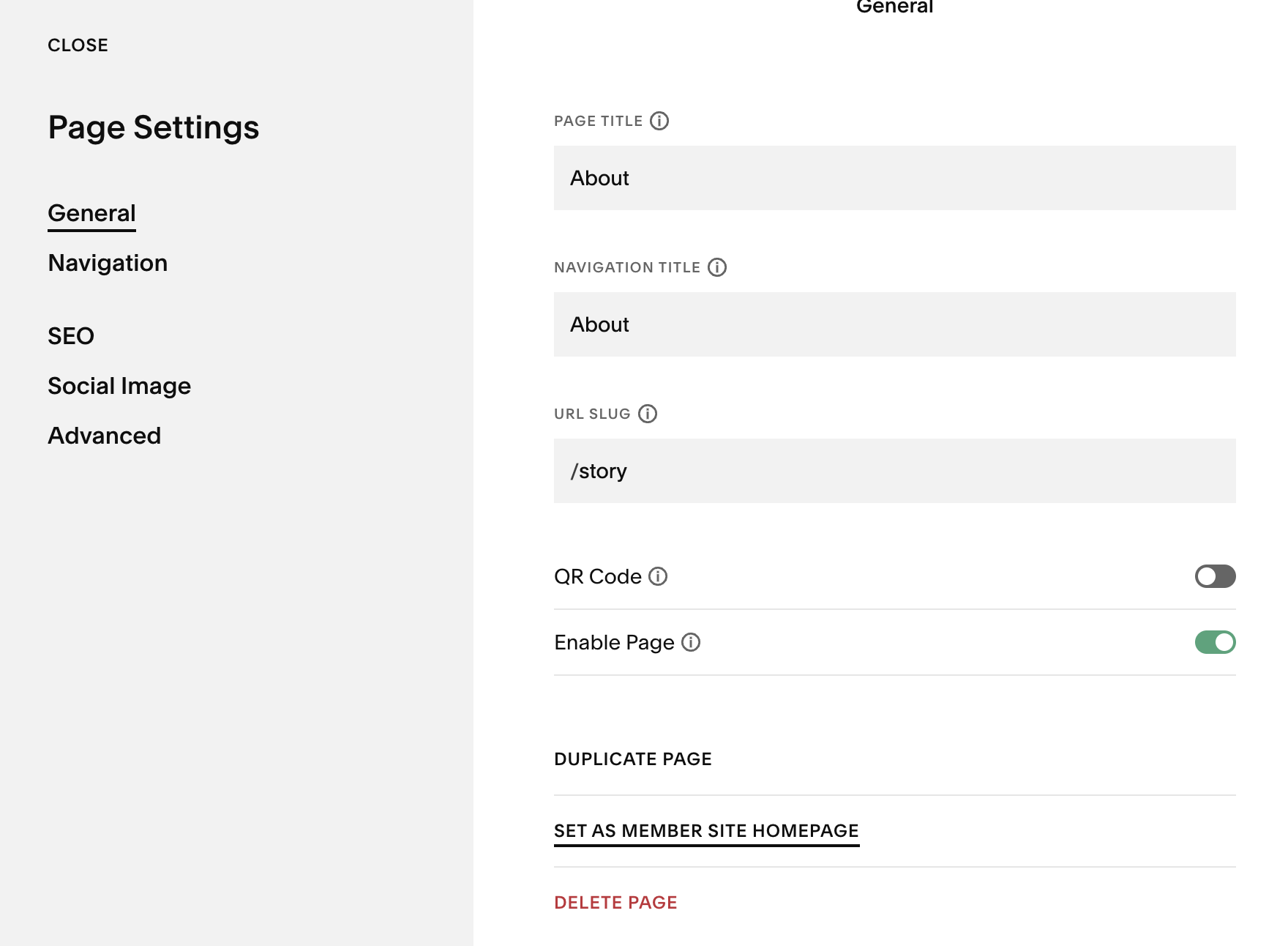
The first page you add becomes the Member Site homepage by default, but you can change this. Once you’ve added other pages your member site, you can select the one you’d like to make the homepage by:
Clicking the ‘…’ next to the page you want to make your homepage
Select ‘Page Settings’
Under the ‘Genera’ tab select ‘Set as Member Site Homepage’
Adding a Membership Pricing Plan:
All member sites require you to add a pricing plan. I’ve dedicated a full lesson to creating pricing plans for both membership and course areas that you can get to by clicking below: